Occasionally, STAR*NET users find that after they open STAR*NET they find they cannot locate certain menus or panels, as in the example below:
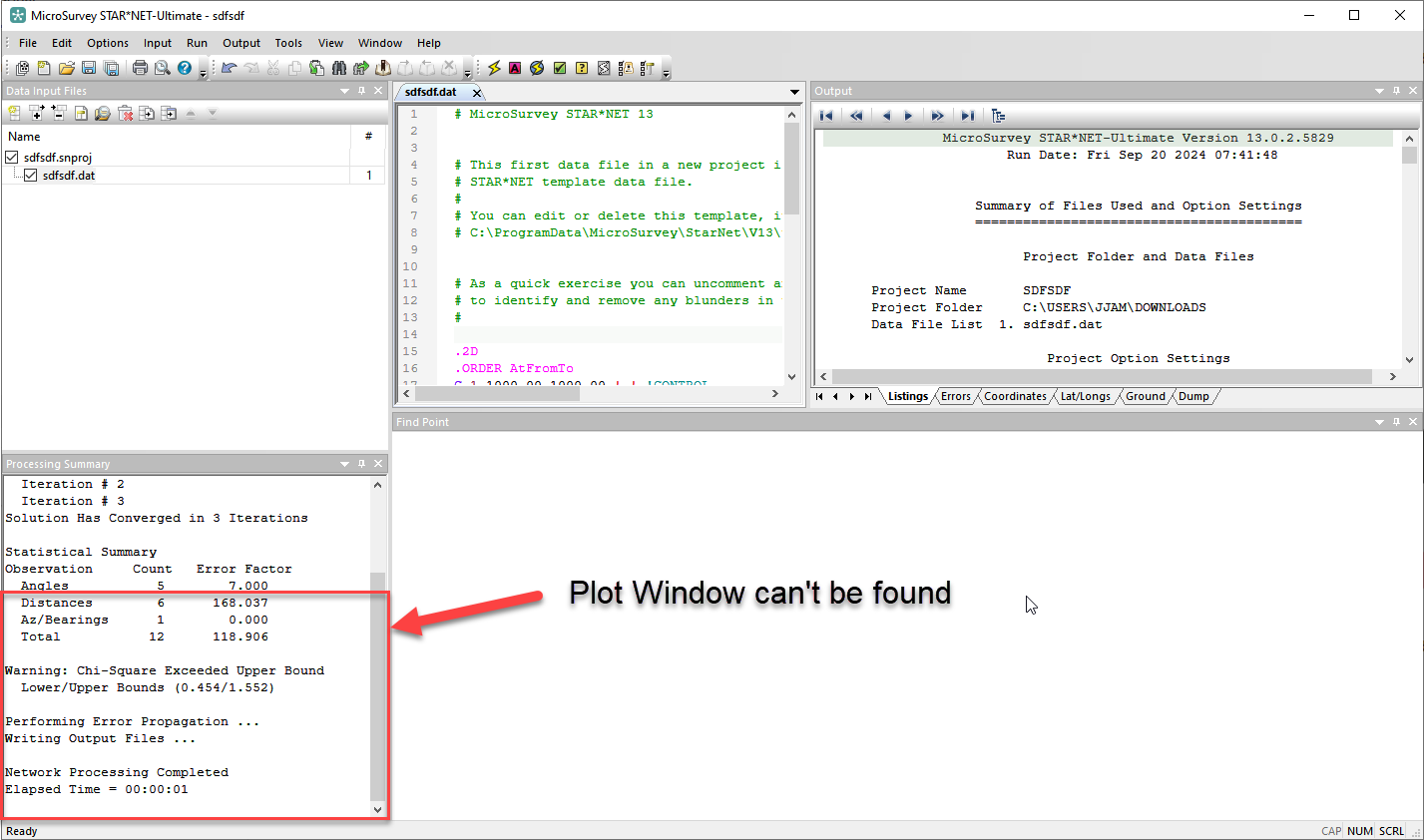
Please follow these steps:
1. Ensure that you have a project open or create a project. Some menus do not appear until you have a project open.
2. Open the View menu and ensure there are checkboxes next to the names of all the panels.
3. Inspect the panels and ensure that the one you need hasn't been added to another panel as a tab. This could have happened when relocating the panel.
4. If you have a second screen (or had a second screen during a previous session) ensure the panel was not dragged over to the second screen. You might need to reconnect the second screen to see where that panel is.
5. When all else fails, reset your layout to factory default:
- Open Tools menu
- Reset Layout
- Close and reopen program
James Johnston
Comments