This article series will go over all the details needed for you to learn how to use and manage your licenses, all in one place. You can skip ahead to any other section from the links below as needed:
| Account Creation | Account Login | License Portal | Downloads |
| Licenses & Activations | Renewals & Upgrades | Product Registration | Adding new Licenses |
| Desktop Licenses | FieldGenius Licenses |
License Portal
Once logged in, your license portal will have series of details and options for you to access.
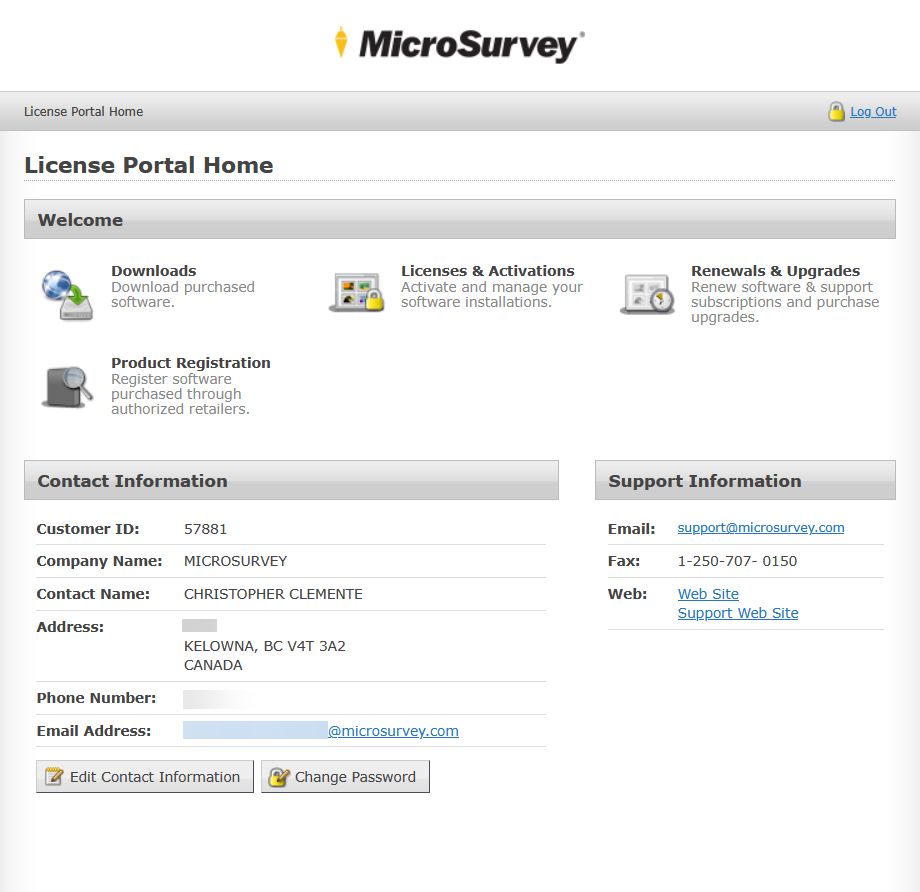
We'll go over the sections at the top under Welcome in other parts of this series. So for now, we'll just focus on the portal options for your Contact Information.
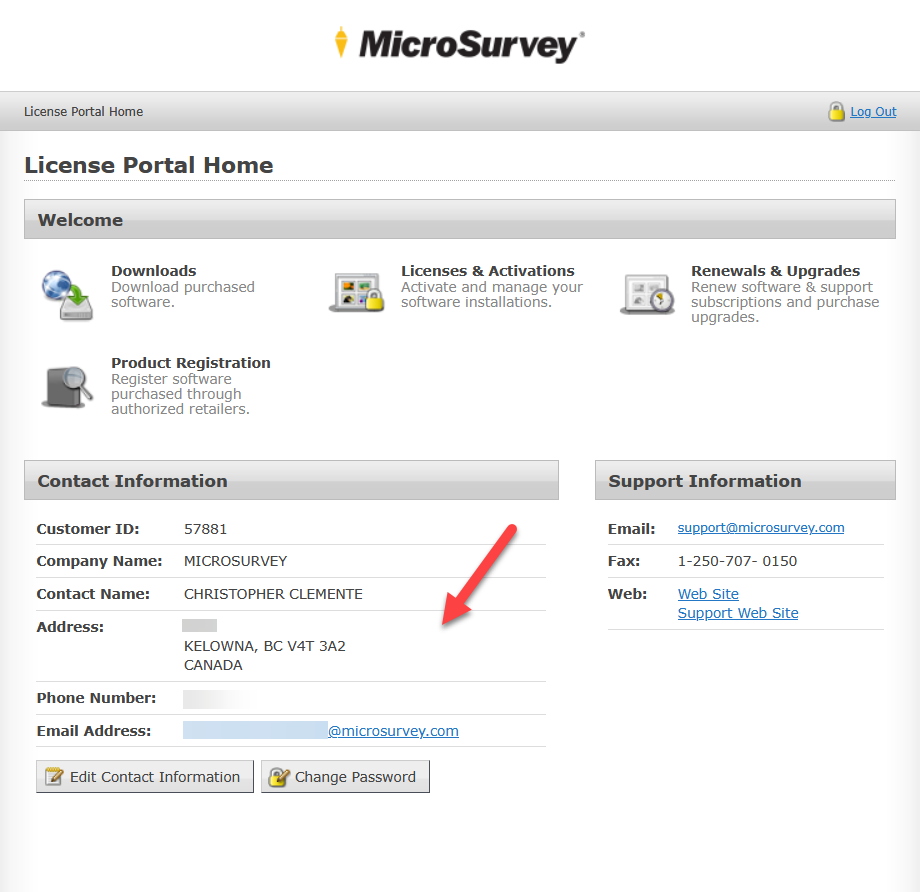
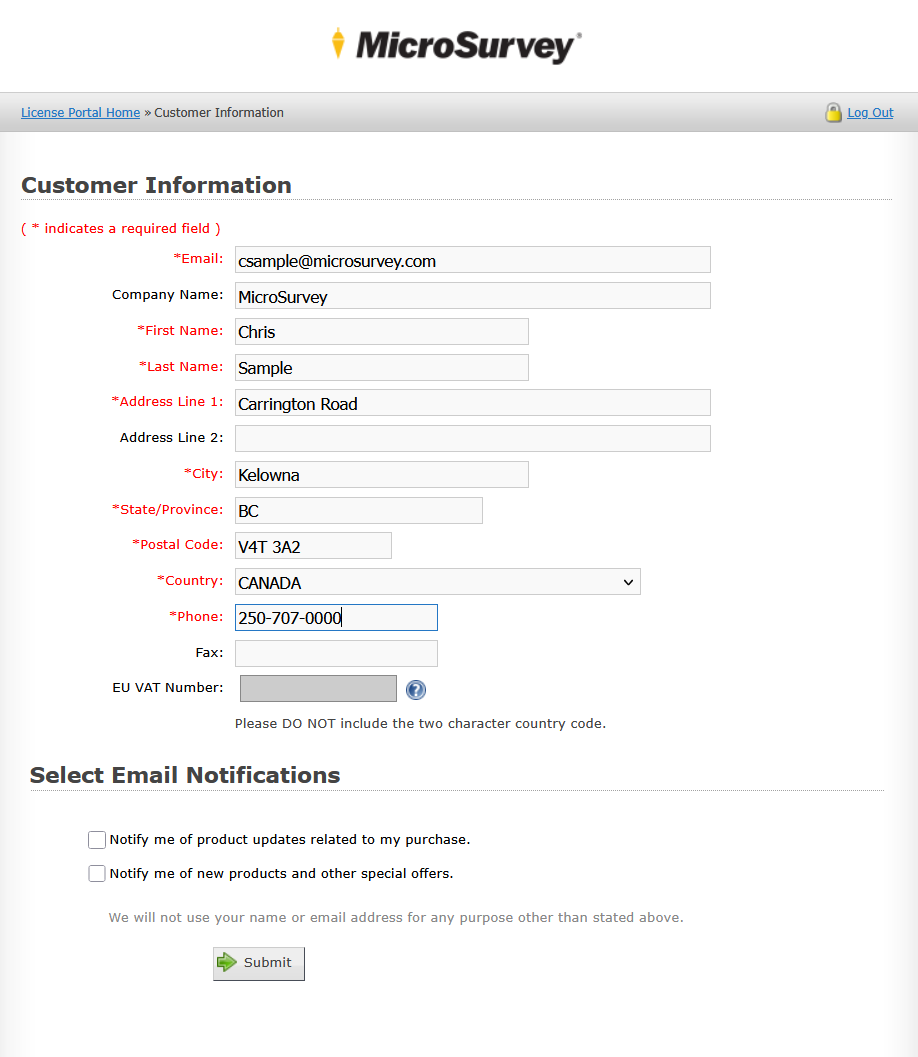
This is where you can Edit Contact Information, including the email used for your account. Useful when you need to move the account over from one user to another, or simply update your records.
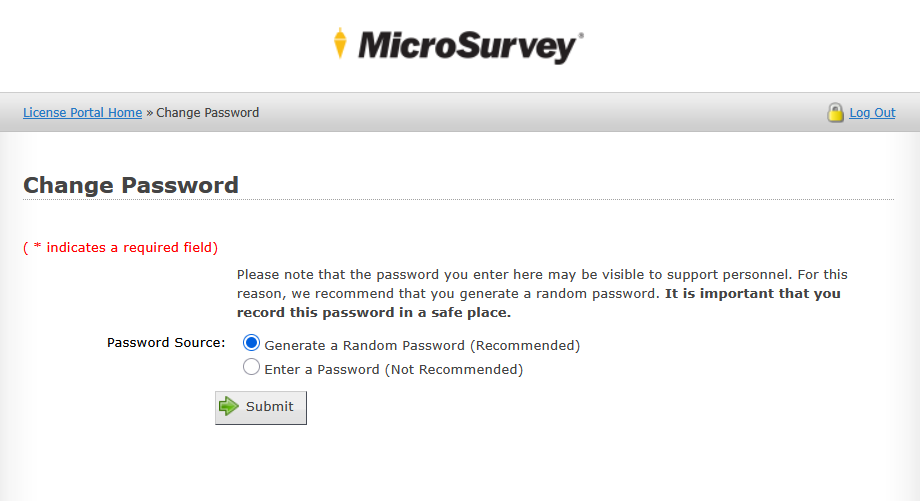
You can also Change Password, in case you are suspicious someone else has access to your account or if you simply want to update it to something new.
Chris Clemente
Comments